Software-defined radio platforms
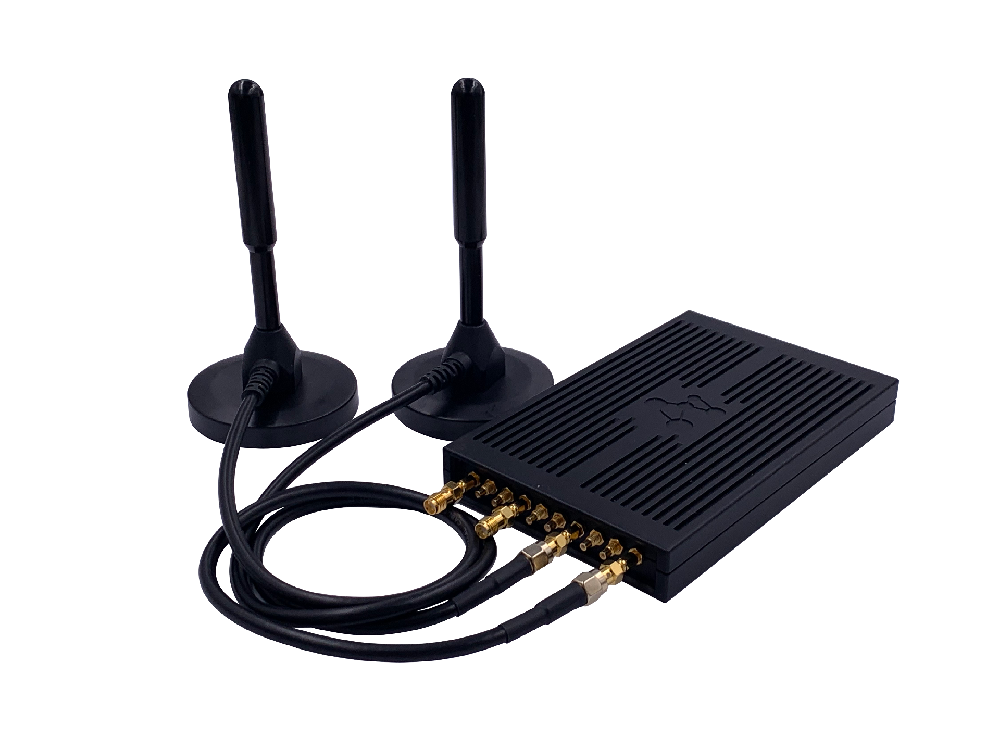
Hawk H102
ADRV9002 Dual-Channel SDR Platform
A compact 2 RX / 2 TX SDR based on the ADRV9002 and Zynq-7030 for wireless experiments and algorithm development. Configure the radio and capture IQ with the IIO GUI, or build a flowgraph in GNU Radio.
- RF transceiverADI ADRV9002 · 2 RX / 2 TX
- IIO GUI receive tuning and sweep range30 MHz–6 GHz
- IIO GUI transmit center frequency setting50 MHz–5.8 GHz
From RF experiments to algorithm development.
For a receive experiment, select the channel, center frequency and sampling profile in the IIO GUI, inspect the spectrum and save the IQ samples. To develop an algorithm, connect to the H102 directly from a GNU Radio flowgraph. Either tool can be used on its own.
Key specifications
Hardware Rev.B · LogicRF Kuiper 1.2.1
RF and sampling
| RF transceiver | ADI ADRV9002 · 2 RX / 2 TX |
|---|---|
| IIO GUI receive tuning and sweep range | 30 MHz–6 GHz |
| IIO GUI transmit center frequency setting | 50 MHz–5.8 GHz |
| GNU Radio module center frequency setting | 50 MHz–5.8 GHz. Available receive and transmit modes depend on the block and selected backend. |
| RF bandwidth in preset profiles | 0.05–40 MHz |
| Sample rates in preset profiles | 0.192–61.44 MSPS per channel |
| RF connectors | SSMC, with RX1A / RX2A used by built-in profiles |
| Built-in profiles | 29 rate and bandwidth combinations. Default 40 MSPS / 20 MHz with separate RX and TX LOs. |
| IQ data | 16 bits each for I and Q |
Processing and memory
| SoC | AMD Zynq-7030 · dual-core Arm Cortex-A9 and FPGA |
|---|---|
| System memory | 1 GB · 32-bit DDR3L |
| System boot | microSD |
| Software interfaces | IIO, LogicRF IIO GUI and GNU Radio |
Data interfaces and timing
| Ethernet | 10/100/1000 Mb/s with IIO control and data transfer |
|---|---|
| USB data | FT601 USB 3.0 SuperSpeed Type-C with a separate IQ path |
| Timing and clocking | GNSS, PPS and AD9528 clock distribution. External reference and PPS/TRIG follow the delivered interface configuration. |
Power and installation
| Power input | 12 V Type-C. The adapter must be rated above 12 W at 12 V. |
|---|---|
| Standard assembly | Metal enclosure and heatsink |
Select the rate, bandwidth and channels together using a built-in profile. Sustained IQ throughput depends on the interface and channel combination. Use the delivered mechanical drawing for installation dimensions.
PLAN YOUR INTEGRATION
Plan your integration requirements.
RF & signals
Confirm the frequency range, receive/transmit channels and required signal bandwidth.
Processing & software
Discuss processing requirements, host connections and development interfaces.
Development & integration
Confirm the development environment, power, cooling and integration scope.
Frequently asked questions
How do I capture my first IQ samples?
Connect with the IIO GUI, select a receive channel, center frequency and sampling profile, then start reception and save a short IQ capture. Alternatively, open a supplied flowgraph in GNU Radio Companion and enter the device address to receive samples.
DOCUMENTATION & SUPPORT
Documentation & resources
EXPLORE MORE
Related products
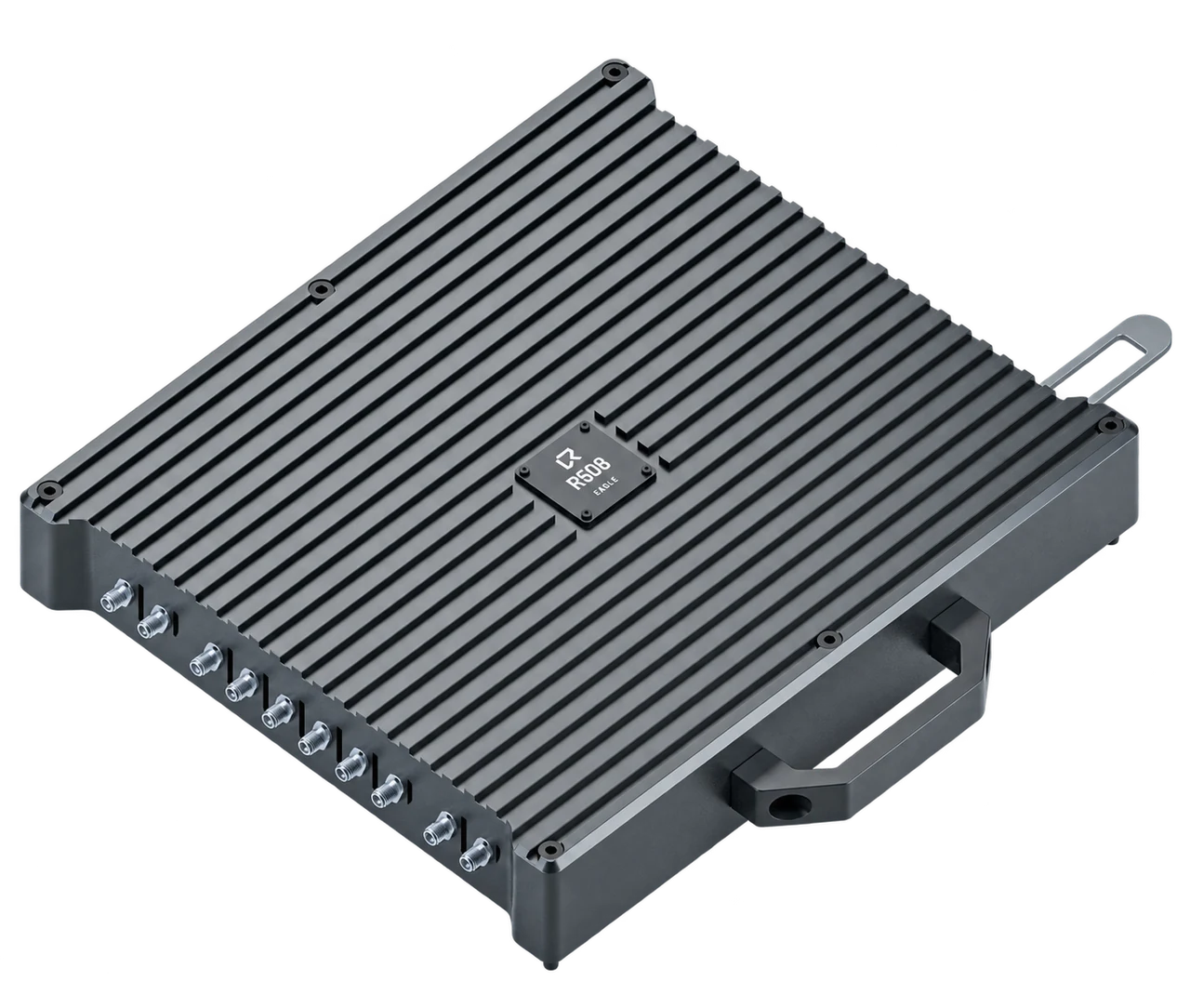
Eagle R508
Multichannel RF Acquisition SDR Platform
Configure the radio, control acquisition from a host computer, and receive and record IQ data for signal analysis or your own multichannel RF application.
View product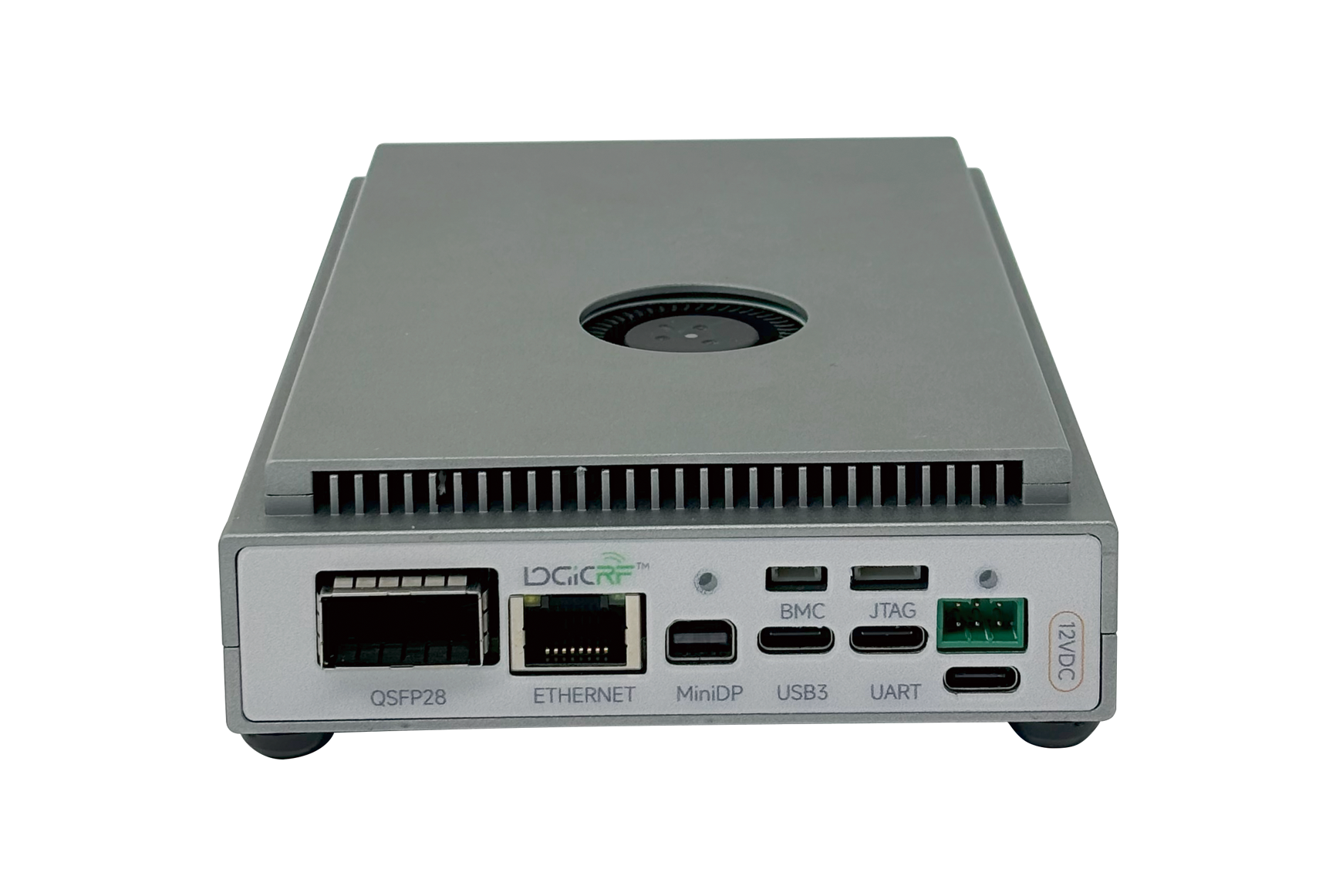
H407
Not recommended for new designs8 RX / 4 TX RFSoC Development Platform
An XCZU47DR board with eight receive and four transmit channels for wideband direct sampling and programmable signal processing.
View product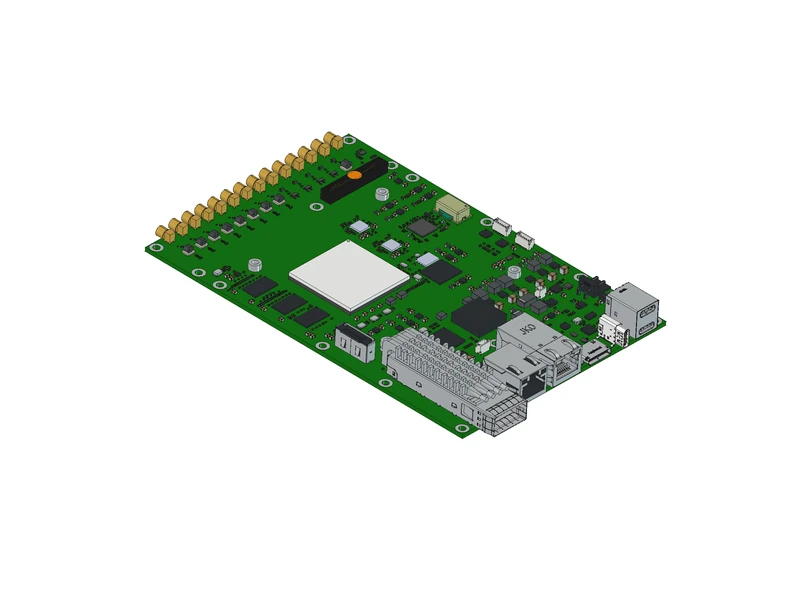 New product
Osprey T808
RFSoC SDR Platform
An RFSoC SDR platform with eight receive channels, independent board management, and local host and high-speed network interfaces for spectrum analysis and programmable signal processing. Transmit outputs require the companion DAC daughtercard.
View product