Software-defined radio platforms
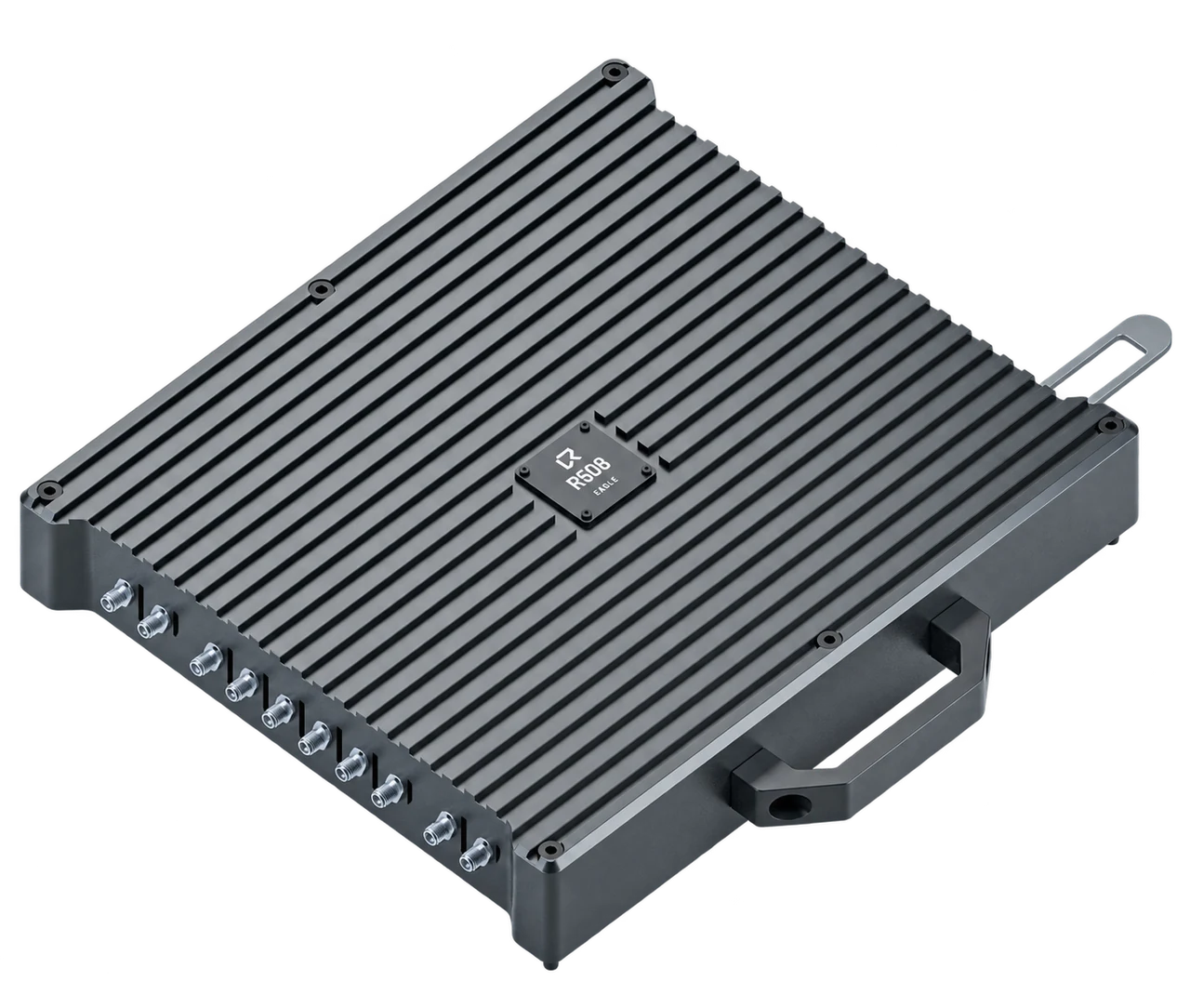
Eagle R508
Multichannel RF Acquisition SDR Platform
Configure the radio, control acquisition from a host computer, and receive and record IQ data for signal analysis or your own multichannel RF application.
- Receive channels8 × 14-bit RF-ADC (CH0–CH7)
- ADC conversion rate5 GS/s per channel, fixed in STREAM
- RFSoCAMD XCZU47DR · Zynq UltraScale+ RFSoC
Configure capture by channel count and bandwidth.
The platform provides eight RF-ADC receive channels. A separate management network handles configuration, while a 100 GbE link over QSFP28 carries captured data to the host. The active application determines the available channel groups, output rates and data format.
From radio configuration to recording
Choose an application workflow
| Application | Workflow |
|---|---|
| RAW | Receive raw UDP data in a fixed format |
| STREAM | Default application. Capture I16/Q16 by profile and channel group and record it on the host |
| SAM | Set the center frequency, FFT and decimation to read a power spectrum snapshot. DAC control depends on the configuration. |
The active application and delivery configuration determine the available channels, bandwidth and data format.
Key specifications
The default STREAM application provides four profiles. ADC conversion rate, digital filter bandwidth and output IQ rate are specified separately.
RF and sampling
| Receive channels | 8 × 14-bit RF-ADC (CH0–CH7) |
|---|---|
| ADC conversion rate | 5 GS/s per channel, fixed in STREAM |
| RFSoC | AMD XCZU47DR · Zynq UltraScale+ RFSoC |
STREAM filtering and IQ output
| 8 MHz filter | 10 MSPS IQ per channel · first four, last four or all eight |
|---|---|
| 16 MHz filter | 20 MSPS IQ per channel · first four, last four or all eight |
| 125 MSPS IQ | Filter bypass · first four, last four or all eight |
| 250 MSPS IQ | Filter bypass · first four or last four, four at a time |
| Format and flow count | I16 + Q16. V1 supports 1/2/4/8 flows. Headerless mode uses one flow. |
Data interfaces and timing
| High-speed capture link | 100 GbE via QSFP28 with UDP data |
|---|---|
| Management connection | Separate Ethernet for ULMUS Web and RPC |
| Reference and clock interfaces | YDT6201 V1.0 provides an external 10 MHz reference input, SYSREF input and reference output according to the clock profile |
Spectrum measurement
| SAM spectrum and output control | 4 logical spectrum channels, with DAC control according to the application configuration |
|---|
Bypass profiles specify per-channel IQ rate. Check RF ratings, power and dimensions against your hardware revision. Sustained recording depends on the receiver, storage and configuration.
Software versions and compatibility
Identify the active application and release in ULMUS, then select the host software listed for your unit.
| Customer applications | RAW, STREAM and SAM. Starts in STREAM with acquisition stopped. |
|---|---|
| Documented combination | ULMUS FW58 · RAW42 · STREAM App04 · SAM2 |
| Host components | Matched Device SDK and DAQ Server, with LogicX for desktop recording |
PLAN YOUR INTEGRATION
Plan your integration requirements.
RF & signals
Confirm the frequency range, receive/transmit channels and required signal bandwidth.
Processing & software
Discuss processing requirements, host connections and development interfaces.
Development & integration
Confirm the development environment, power, cooling and integration scope.
Frequently asked questions
Can STREAM output eight IQ channels at 250 MSPS per channel?
On systems delivered with STREAM, the 250 MSPS profile supports four channels at a time, either ADC1–4 or ADC5–8. The 125 MSPS profile can output all eight channels. These are complex IQ sample rates per channel. Sustained recording depends on the receiver and storage configuration.
DOCUMENTATION & SUPPORT
Documentation & resources
EXPLORE MORE
Related products
Hawk H102
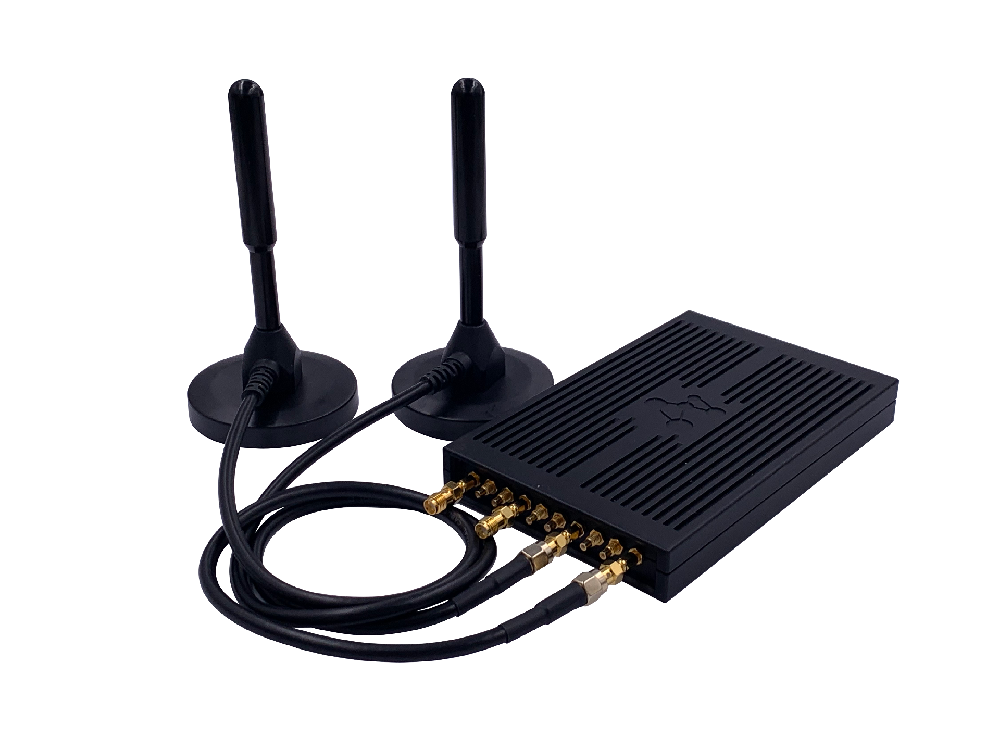
ADRV9002 Dual-Channel SDR Platform
A compact 2 RX / 2 TX SDR based on the ADRV9002 and Zynq-7030 for wireless experiments and algorithm development. Configure the radio and capture IQ with the IIO GUI, or build a flowgraph in GNU Radio.
View product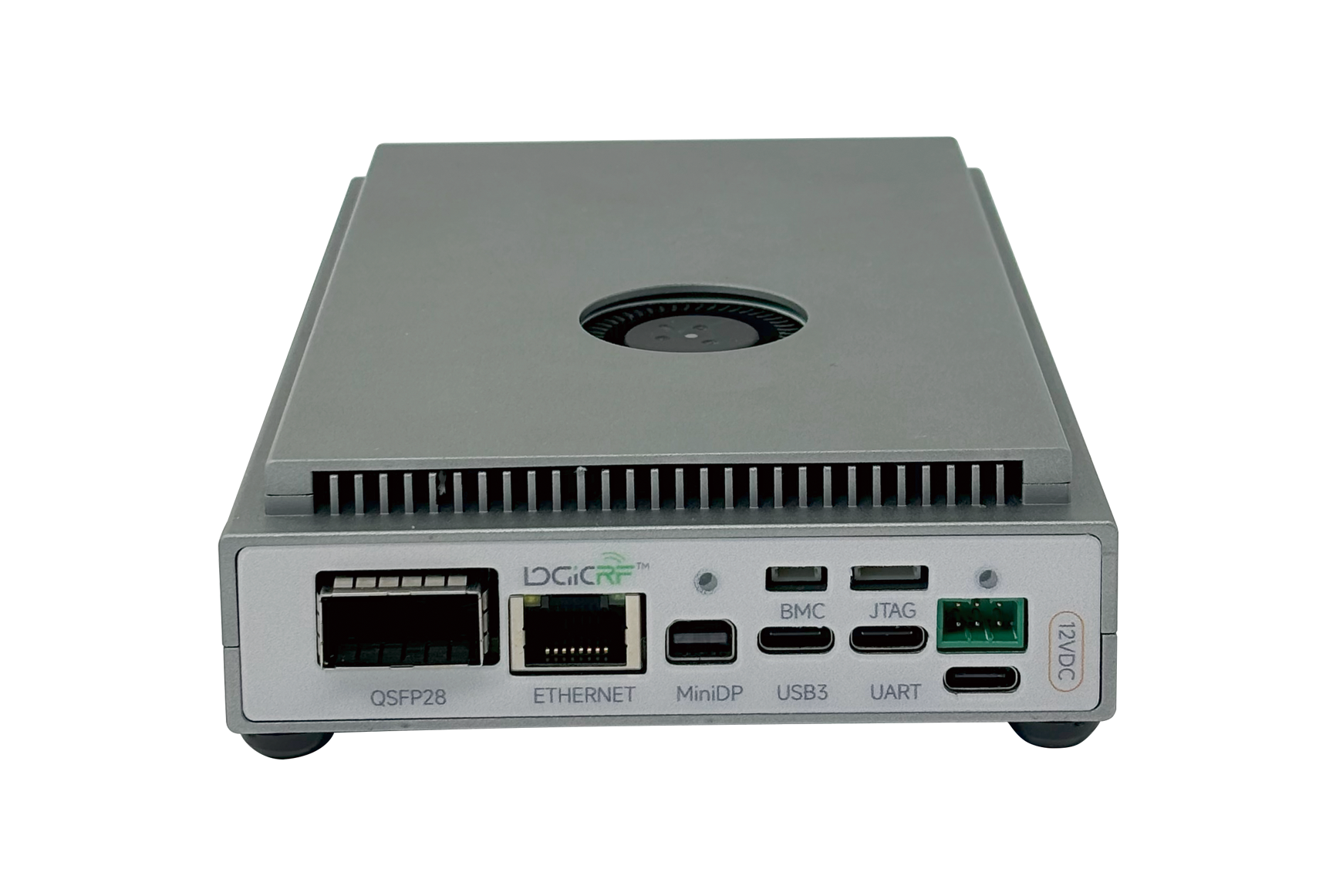
H407
Not recommended for new designs8 RX / 4 TX RFSoC Development Platform
An XCZU47DR board with eight receive and four transmit channels for wideband direct sampling and programmable signal processing.
View product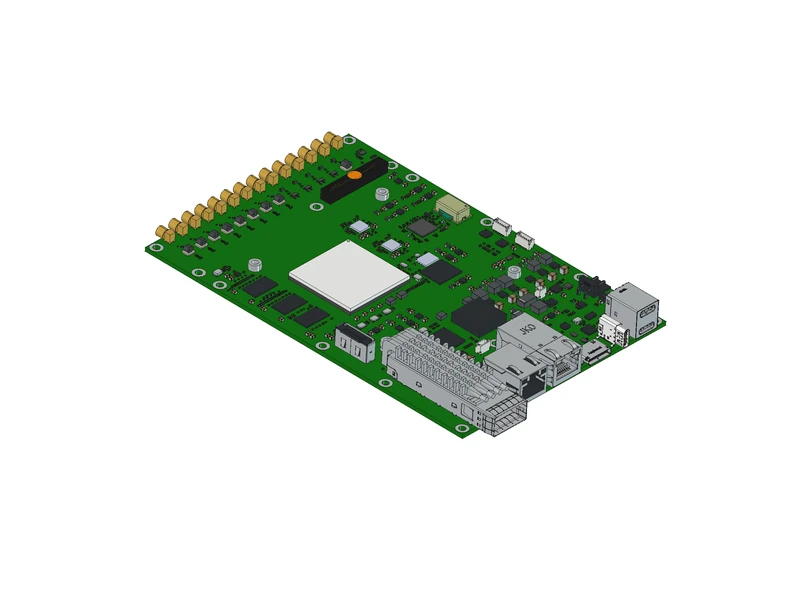 New product
Osprey T808
RFSoC SDR Platform
An RFSoC SDR platform with eight receive channels, independent board management, and local host and high-speed network interfaces for spectrum analysis and programmable signal processing. Transmit outputs require the companion DAC daughtercard.
View product