TECHNICAL RESOURCES
Find what you need for the next step.
Find manuals by model and guides by task, with shared software, practical examples and customer downloads in one place.
Public reading · Email requests · Customer access
01
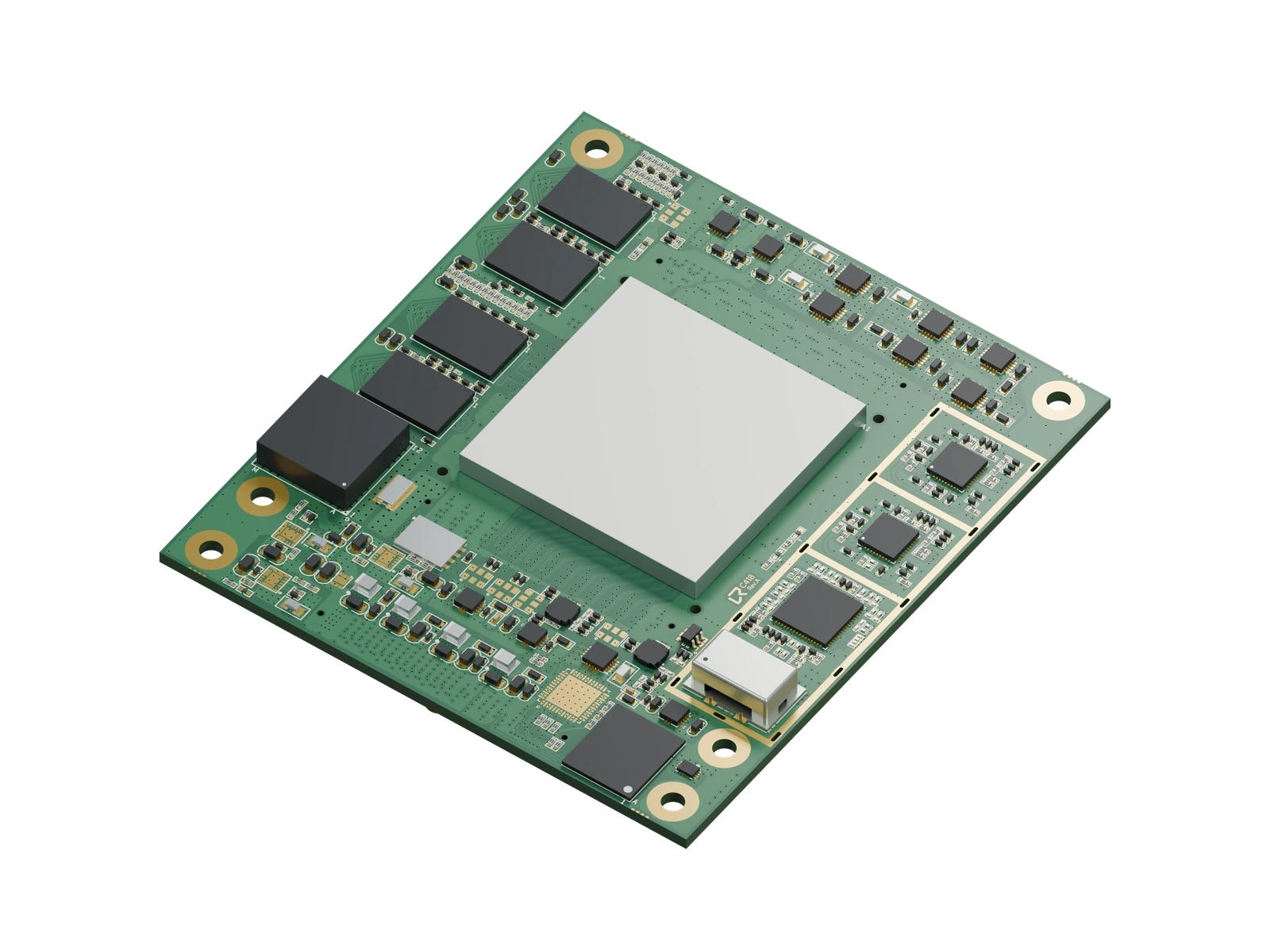
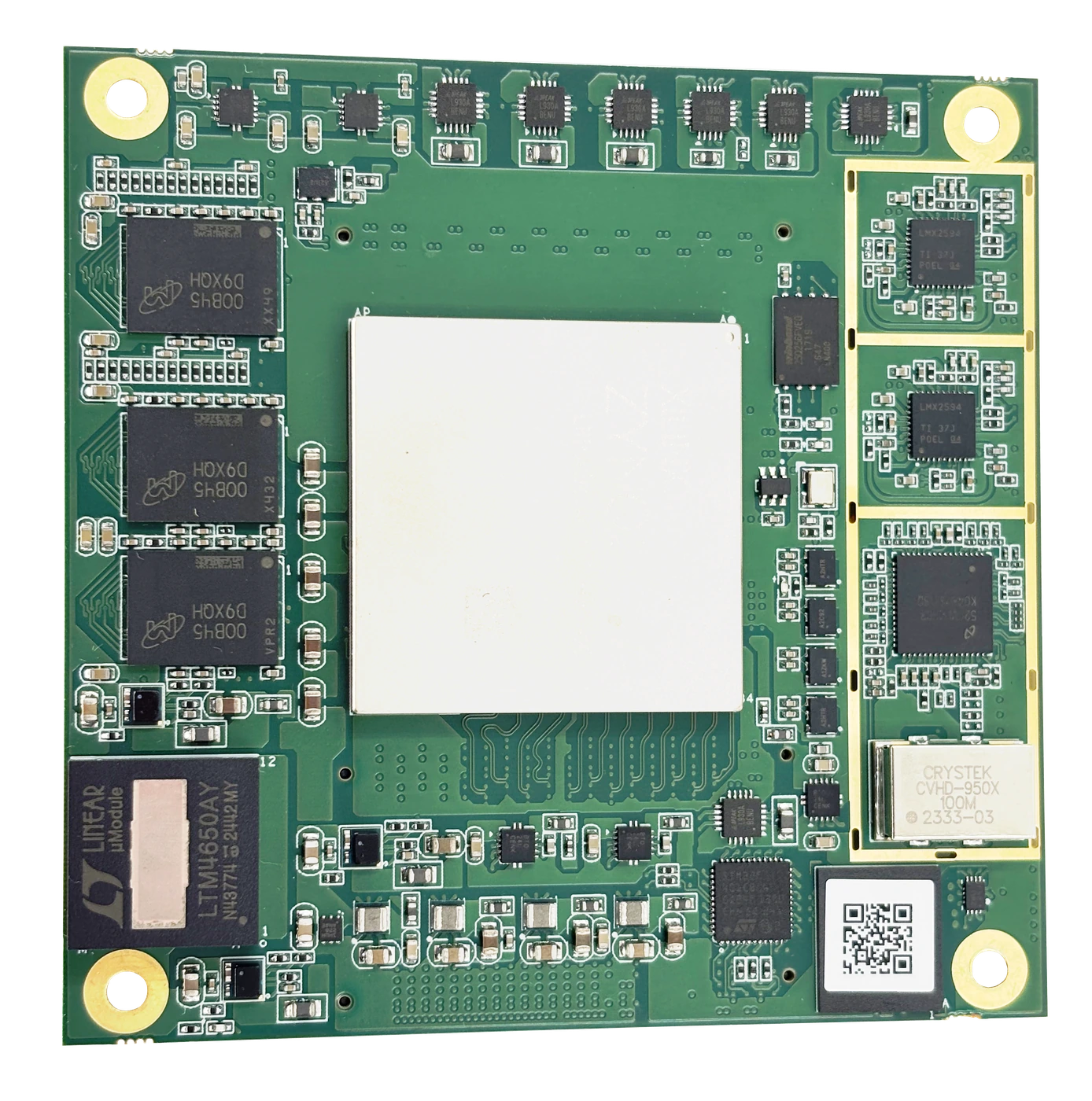
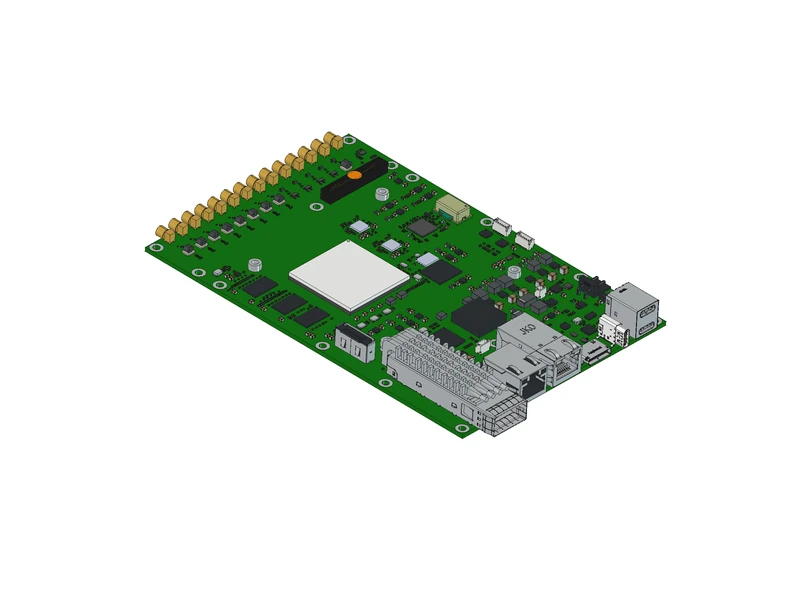
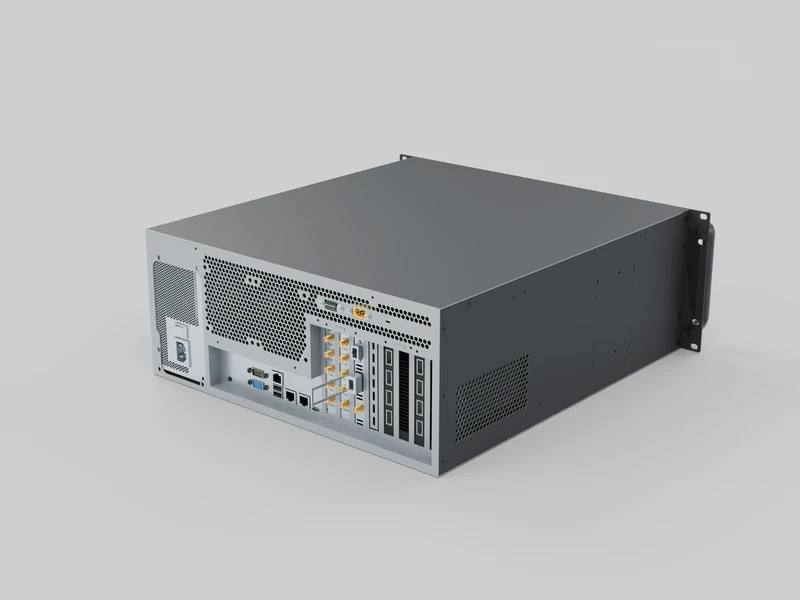
Product manuals
Find specifications and hardware information by model. Read online documentation directly, or request a PDF datasheet by email.
02
Software guides
ULMUS, Device SDK and DAQ Server form the shared software layer. Check the relevant product and delivery instructions for compatibility, versions and available features.
ULMUS
Manage devices and run device applications. Follow the installation and integration instructions for your product.
Device SDK
Develop applications with the device access interfaces. Check support for the product and delivered version.
DAQ Server
Configure data reception, acquisition tasks and storage. Follow the integration guide for your device and acquisition application.
H102 IIO GUI
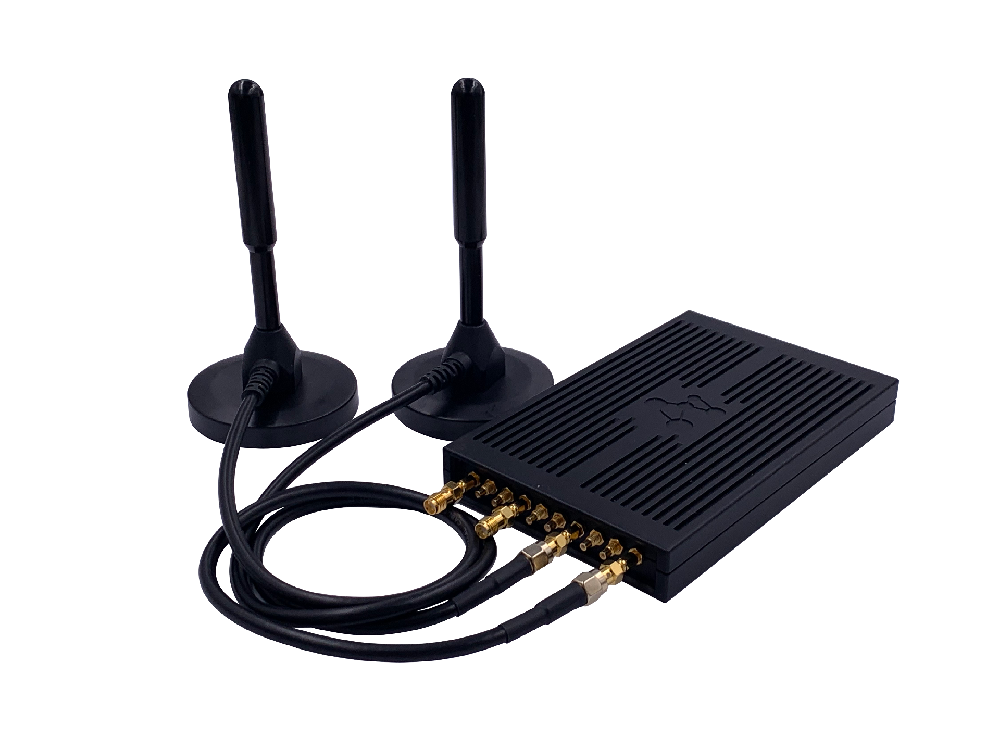
An Ubuntu 22.04 x86_64 desktop with a network connection to the Hawk H102.
LogicX
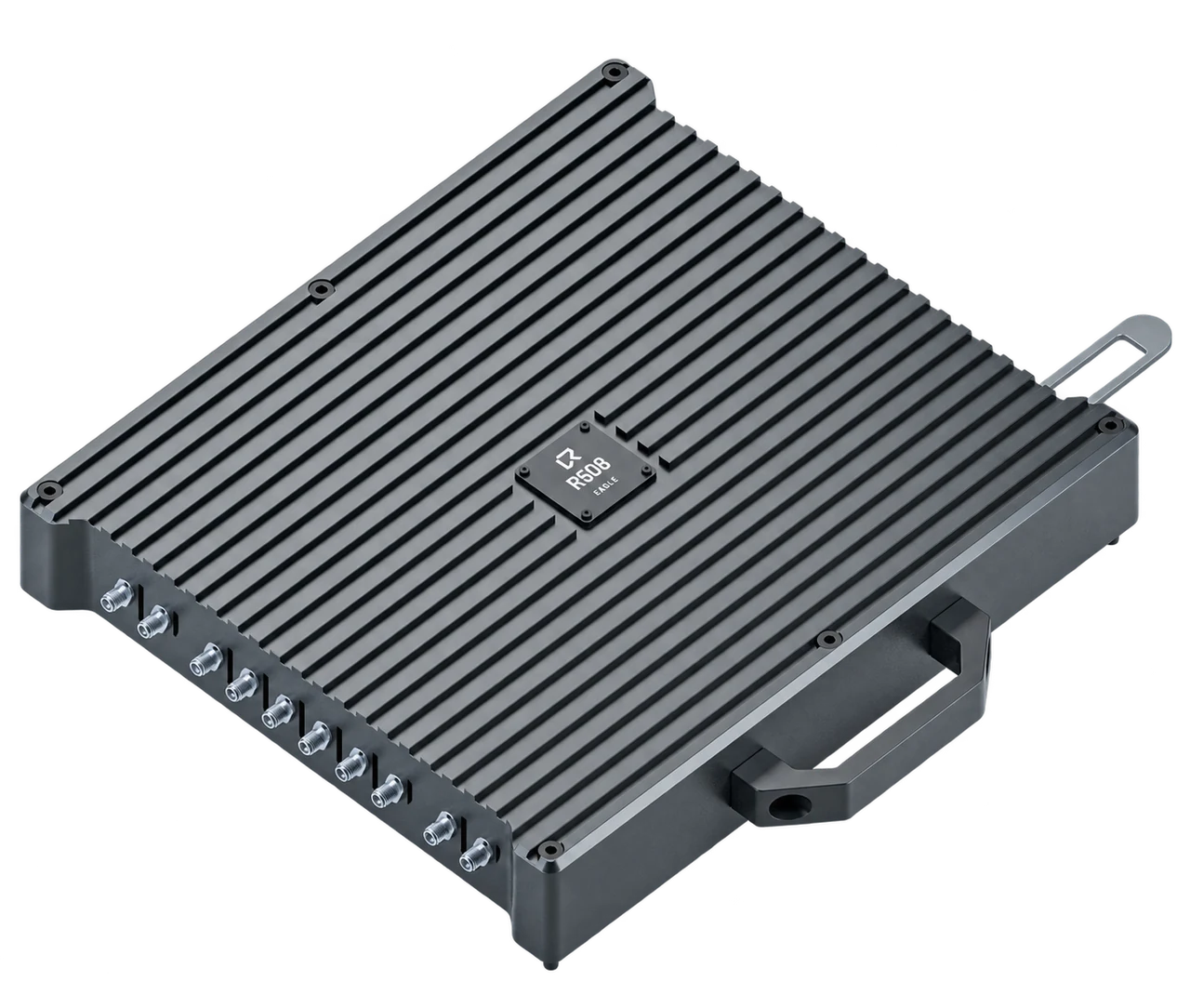
With an Eagle R508 STREAM setup, LogicX runs on the receiving host’s Linux desktop. Available channel groups, bandwidths and analysis features depend on the supplied acquisition application and DAQ Server versions.
03
Application guides
Follow the steps for your delivered product, from connecting the device to completing the first capture.
H102: connection and first capture
Connect the device and use the IIO graphical tools for the first reception and capture.
R508: application selection and first recording
Confirm the delivered application and connection, then save the first capture on the host.
04
Development examples
Explore practical examples, public test records and code, with the version and test conditions stated alongside them.
H102 recorded IQ replay
The gr-logicrf 1.2.3 example for GNU Radio 3.10.12.0 reads a recorded IQ file to its end. RF output requires equipment and separate verification.
R508 IQ calibration measurements (ADC1–7)
STREAM at 8 MHz / 10 MSPS, with ADC7 as the reference. Review phase and amplitude across 229 frequencies and two cold boots on one RF path, together with the test limits.
LogicRF GitHub
Browse the public repositories and examples. Follow the delivery instructions for access to product-specific software.
05
Downloads and support
Choose the access route for the resource: read public documentation, request a datasheet, or open your authorized customer files.
Public documentation
Read product overviews, quick starts, shared software guides and interface documentation directly in the documentation center.
Product datasheets
Request a product datasheet for your model and language, and receive the download link by email.
Customer downloads
Sign in and activate your product with the code on the shipment document to access its files. Follow the supplied instructions for product-specific GitHub software.